
For HVAC and plumbing contractors, the right scheduling system reduces admin time, boosts field productivity, and speeds response when customers need help fast. In 2026, labor constraints, rising demand for same-day service, and stricter compliance make modern scheduling, dispatch, and mobile tools mission-critical. This guide highlights the 10 best HVAC and plumbing scheduling systems and explains which fit different business sizes and workflows. We compare core capabilities - scheduling/dispatch, integration depth, mobile usability, and field service management automation - to help you pick a platform that enhances ROI, technician satisfaction, and customer reviews. Whether you need a straightforward HVAC scheduler, plumbing dispatch software, or contractor scheduling technology at enterprise scale, you’ll find a clear path forward below.
Strategic Overview
Scheduling systems now sit at the center of field service management, orchestrating everything from call booking and dispatch to route planning, invoicing, and asset history. Contractors who implement strong schedulers report faster response times and fewer callbacks, thanks to better information flow and job sequencing. As customer expectations trend toward instant booking and rapid updates, simple spreadsheets can’t keep up with the real-time coordination required.
In 2026, the winners blend drag-and-drop scheduling, real-time dispatch visibility, mobile apps that work anywhere, route optimization, and flexible integrations. We evaluated platforms on scheduling depth, dispatch accuracy, integration with accounting/ERP/CRMs, mobility, and customer feedback - prioritizing measurable benefits like reduced windshield time, faster cash flow, and higher tech adoption. Expect strong contenders in both SMB and enterprise categories, across HVAC and plumbing service mixes.
Up next: the systems we recommend, the key features to consider, and a pragmatic adoption playbook.
Brocoders Custom Scheduling Solutions for HVAC and Plumbing
Many HVAC and plumbing companies eventually outgrow generic FSM tools - especially when they need bespoke dispatch logic, complex maintenance agreement automation, or deep ERP/accounting connectivity. Brocoders use pre-built modules of scheduling systems and tailor them to your workflows. We work with skill-based job assignments, multi-day projects, compliance checks, and native integrations (e.g., QuickBooks, NetSuite, ServiceTitan exports, GIS/telematics).
Clients work with us in agile sprints, retaining IP ownership and full control over data and roadmap. Our transparent pricing, iterative collaboration, and production-grade cloud infrastructure allow you to scale efficiently without vendor lock-in.
Client results:
- A regional HVAC firm cut average dispatch-to-arrival time by 23% after implementing skill- and location-aware auto-assignment.
- A mid-size plumbing contractor consolidated three tools into one custom scheduler, reducing monthly software spend by 28% and improving invoice cycle time by two days.
Custom build versus productized platform:
| Dimension | Custom Build (Brocoders) | Productized FSM |
|---|---|---|
| Fit to workflow | Exact match; bespoke rules and UI | Best-effort configuration |
| Integrations | Native to your stack (ERP, accounting, GIS) | Prebuilt connectors; may require workarounds |
| Scalability | Roadmap under your control | Vendor roadmap/limits |
| Cost structure | Project-based; own IP | Recurring per-seat; annual contracts common |
| Time-to-value | Phased delivery with quick wins | Fast initial setup; advanced needs take longer |
If you’re evaluating build vs. buy, see our practical comparison in Brocoders’ analysis of ServiceTitan alternatives for growing contractors.
ServiceTitan
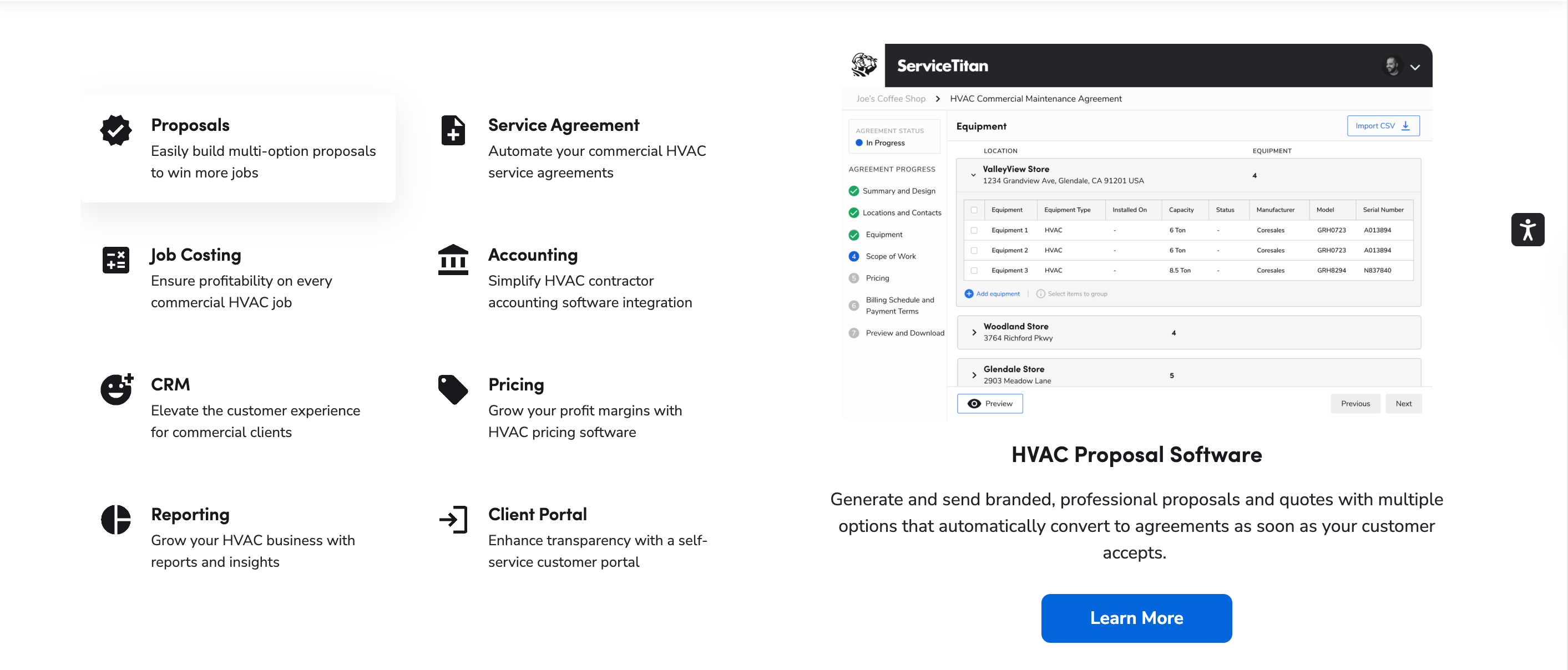
ServiceTitan servicetitan.com
ServiceTitan is the enterprise gold standard for large HVAC and plumbing operations, featuring advanced call booking, dispatching, scheduling, KPI dashboards, and reporting designed for complex, high-volume teams. Enterprise FSM (field service management) refers to end-to-end platforms that coordinate field operations, finance, and customer experience at scale with robust controls and analytics.
Pricing: Industry benchmarks place ServiceTitan at roughly $300–$500 per month overall, with many accounts structured at $250–$400 per managed technician monthly and annual contracts typically required, as reported by EstimateKit’s 2026 guide and the BDR HVAC Business Software Guide.
Cons include a steeper learning curve and contractual commitments - trade-offs many enterprises accept for the functionality depth.
Ideal for:
- Enterprise HVAC and plumbing operations
- Compliance-heavy contracts and multi-trade crews
- Call center scheduling, capacity planning, and complex reporting
Jobber
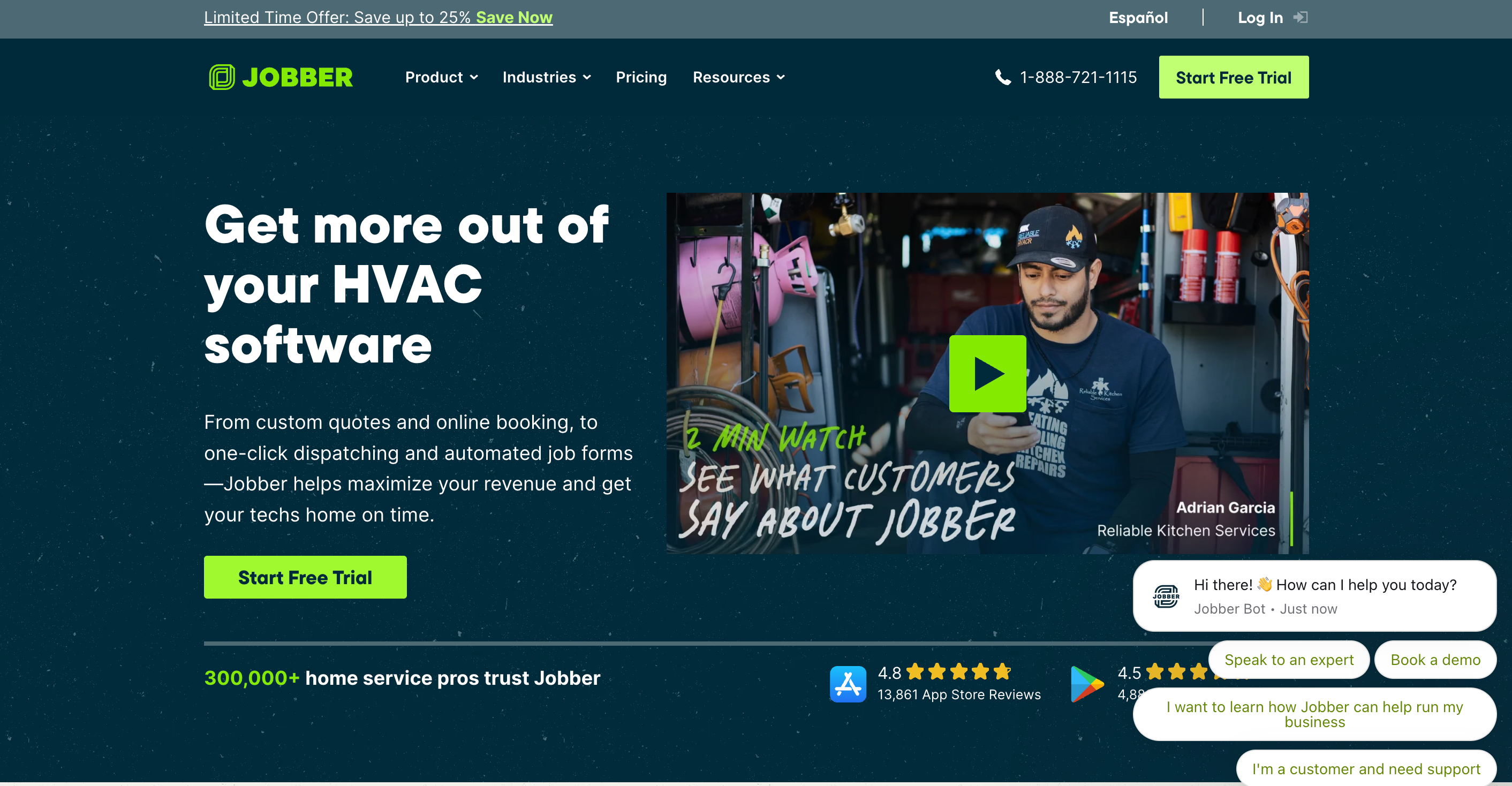
Jobber getjobber.com
Jobber is a user-friendly, SMB-focused scheduling system that blends scheduling/dispatch with lightweight CRM and automation. It supports automated reminders, online booking, and a Client Hub that makes confirmations and payments easy for residential customers, as outlined on Jobber’s plumbing software page.
Pricing typically ranges from $69–$349 per month, per EstimateKit’s 2026 review. For HVAC and plumbing, Jobber’s limitations include advanced trade-specific features (e.g., HVAC load calculations or deep equipment databases), which may push growing contractors to integrate additional tools later.
Pros and cons at a glance:
| Pros | Cons |
|---|---|
| Fast onboarding and simple drag-and-drop calendar | Basic inventory controls |
| Automated reminders and client communications | Limited HVAC/plumbing specialty features |
| Affordable tiers for small teams | May require add-ons as operations scale |
Common use cases include recurring service scheduling (e.g., maintenance plans) and automated client notifications that reduce no-shows and inbound calls.
Housecall Pro
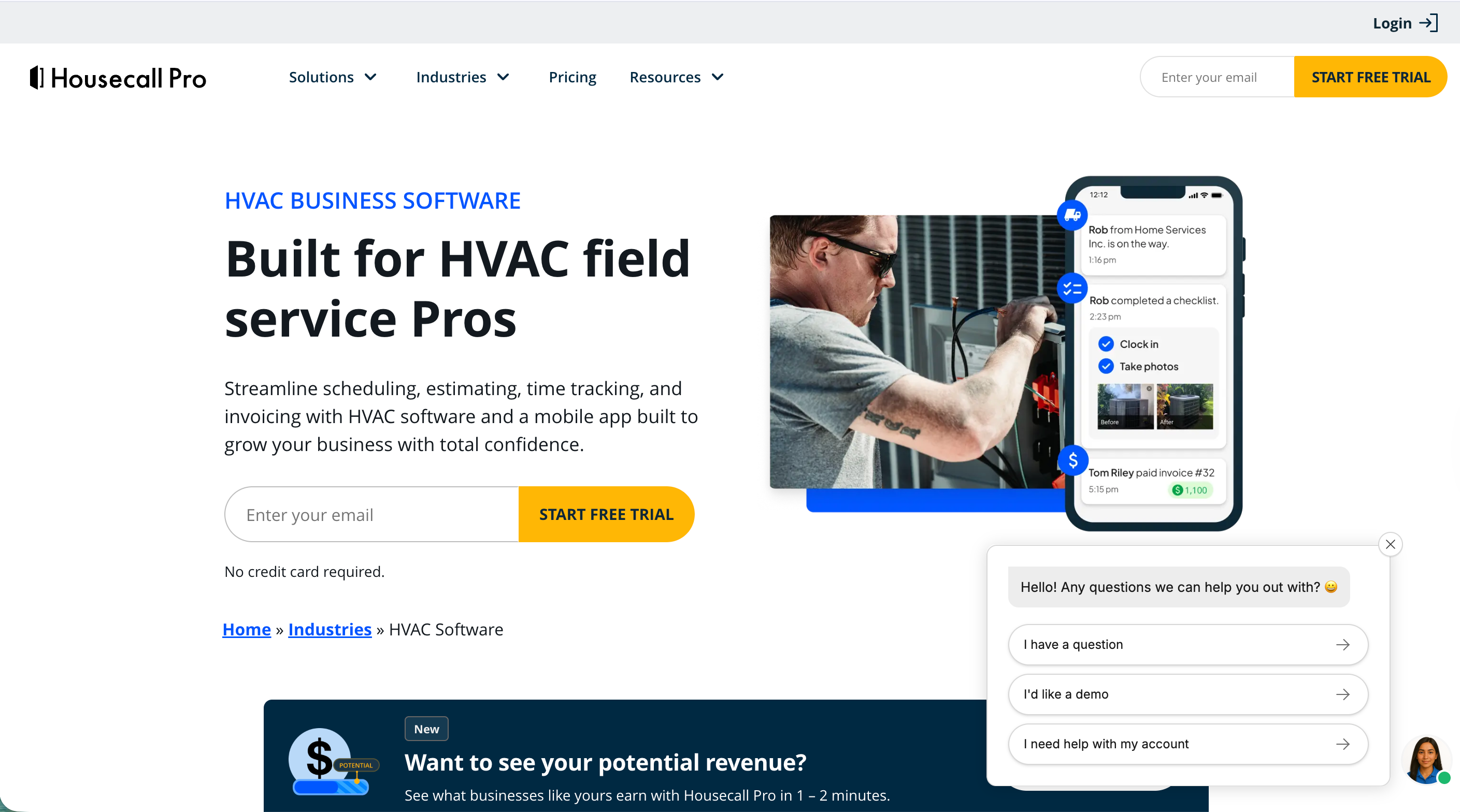
Housecall Pro housecallpro.com
Housecall Pro is mobile-first, built for solo contractors and small teams that want fast setup and easy scheduling. It supports drag-and-drop scheduling, GPS-tracked time, estimates-to-job conversion, notifications, and a quick learning curve for field techs. Housecall Pro offers a 14-day free trial with no credit card required, and its tiered pricing typically spans $49–$169/month, as compared in Workyard’s HVAC software overview.
Value for small residential teams:
- Plug-and-play onboarding
- Intuitive mobile UI for techs
- Solid core features without heavy admin
Limitations: advanced reporting, inventory management, and multi-entity setups are less robust than enterprise platforms.
Learn more about its HVAC features on Housecall Pro’s HVAC software page.
FieldEdge
FieldEdge fieldedge.com
FieldEdge excels in service-heavy HVAC operations needing tight financial controls and detailed asset history. Its core is dispatching with flat-rate pricing support, QuickBooks synchronization, and an emphasis on equipment history and service records.
Pricing is commonly quoted in the $169–$349/month range, often structured around office and field seats (e.g., ~$100 per office user and ~$125 per field tech), per public industry roundups such as EstimateKit and BDR. For many contractors, the QuickBooks integration and service history tracking are decisive for compliance and long-term customer relationships.
FieldEdge strengths:
| Capability | Details |
|---|---|
| QuickBooks integration | Two-way sync for invoices, payments, and customers |
| Dispatch and scheduling | Skill/location-aware assignments; flat-rate support |
| Equipment history | Detailed asset records for compliance and warranty work |
Explore features on FieldEdge’s HVAC software page.
BuildOps
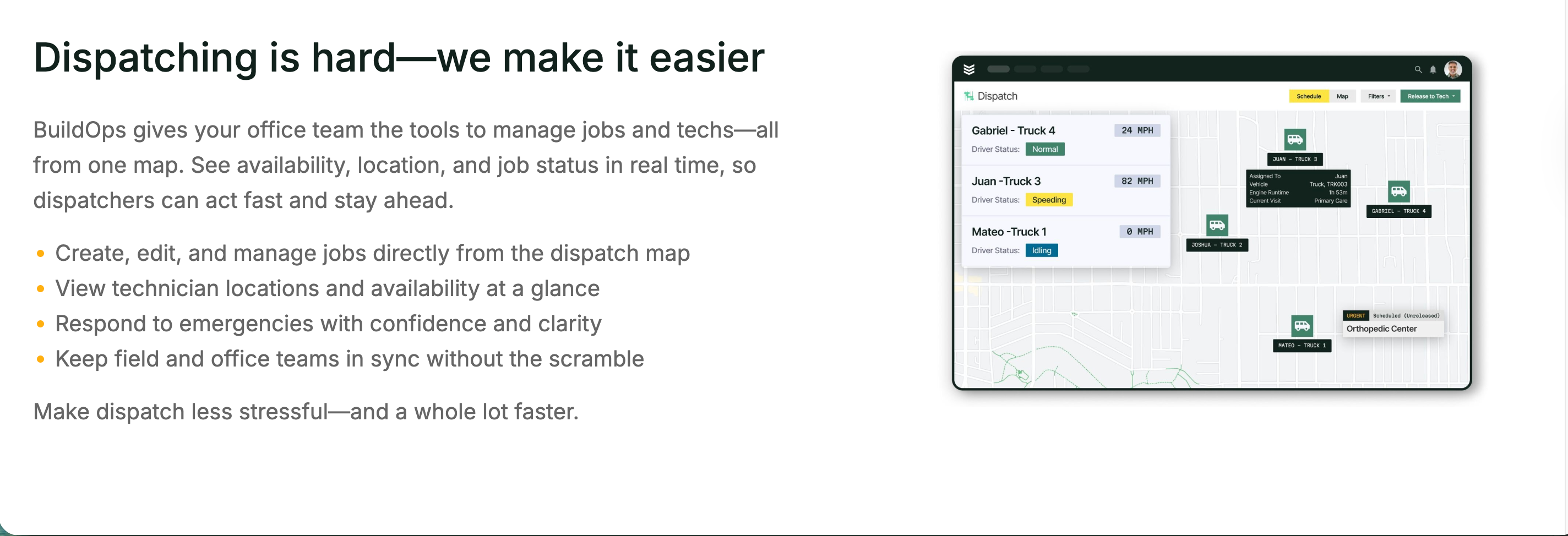
BuildOps buildops.com
BuildOps is purpose-built for commercial HVAC, featuring robust scheduling, dispatch, job tracking, asset management, and compliance workflows. In HVAC terms, asset management means tracking each client device or system, its service history, planned maintenance, warranties, and replacement cycles.
BuildOps supports portfolio reporting, contract and maintenance management, and high-volume scheduling - well suited to multi-building operators or contractors with compliance-heavy SLAs. Pricing and contracts are typically customized for larger teams. See BuildOps’ overview of commercial HVAC field service software.
Simpro
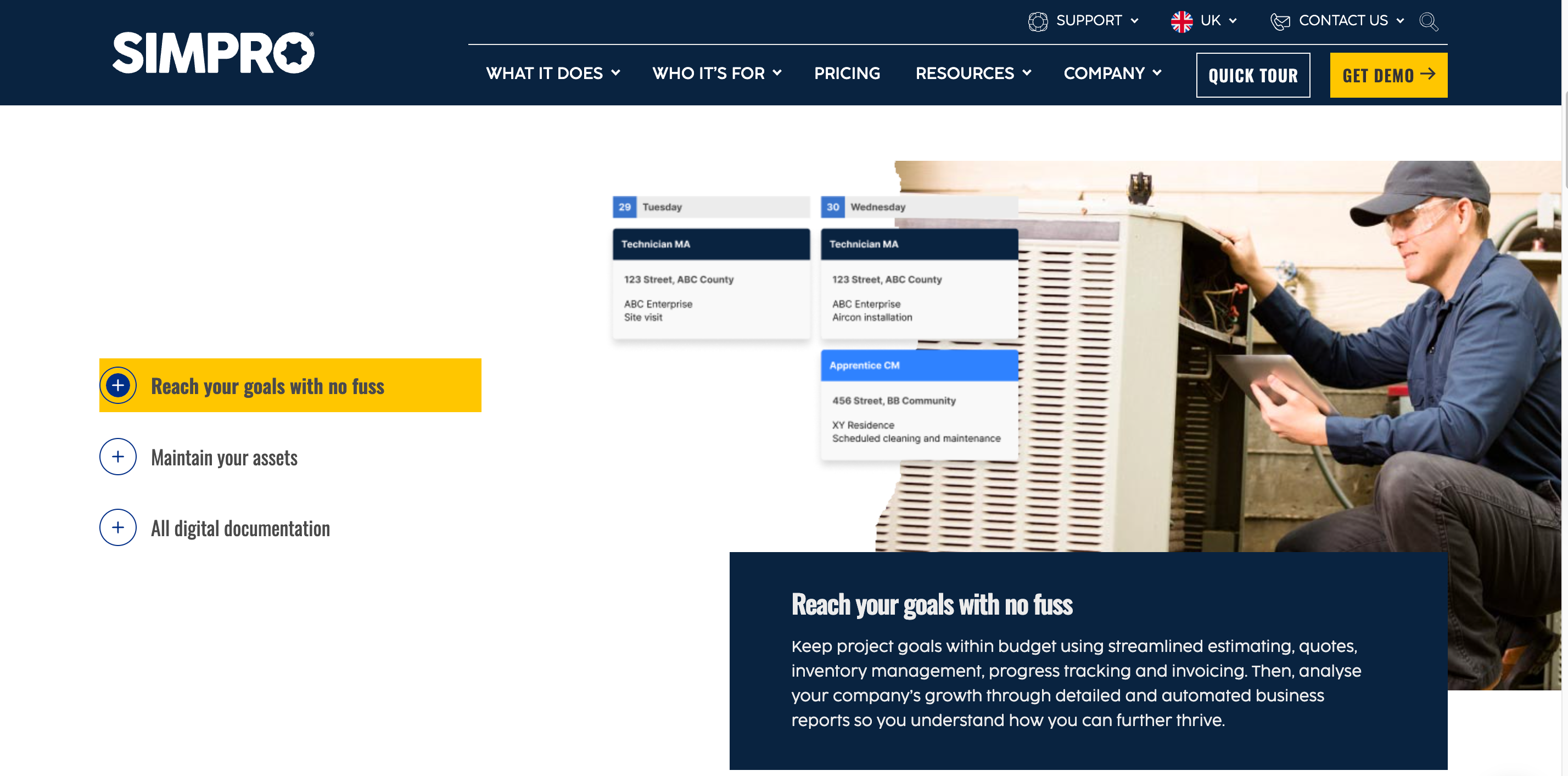
Simpro simprogroup.com
Simpro fits mid-to-large service firms that need comprehensive job and project management alongside scheduling, quoting, and cost tracking. It’s a strong fit for scale-up operations that plan to automate end-to-end workflows - especially complex quoting and scheduled maintenance - though training needs can be higher than SMB tools. Simpro often appears in industry comparisons for firms stepping beyond basic dispatch toward full job costing and project oversight.
Zuper
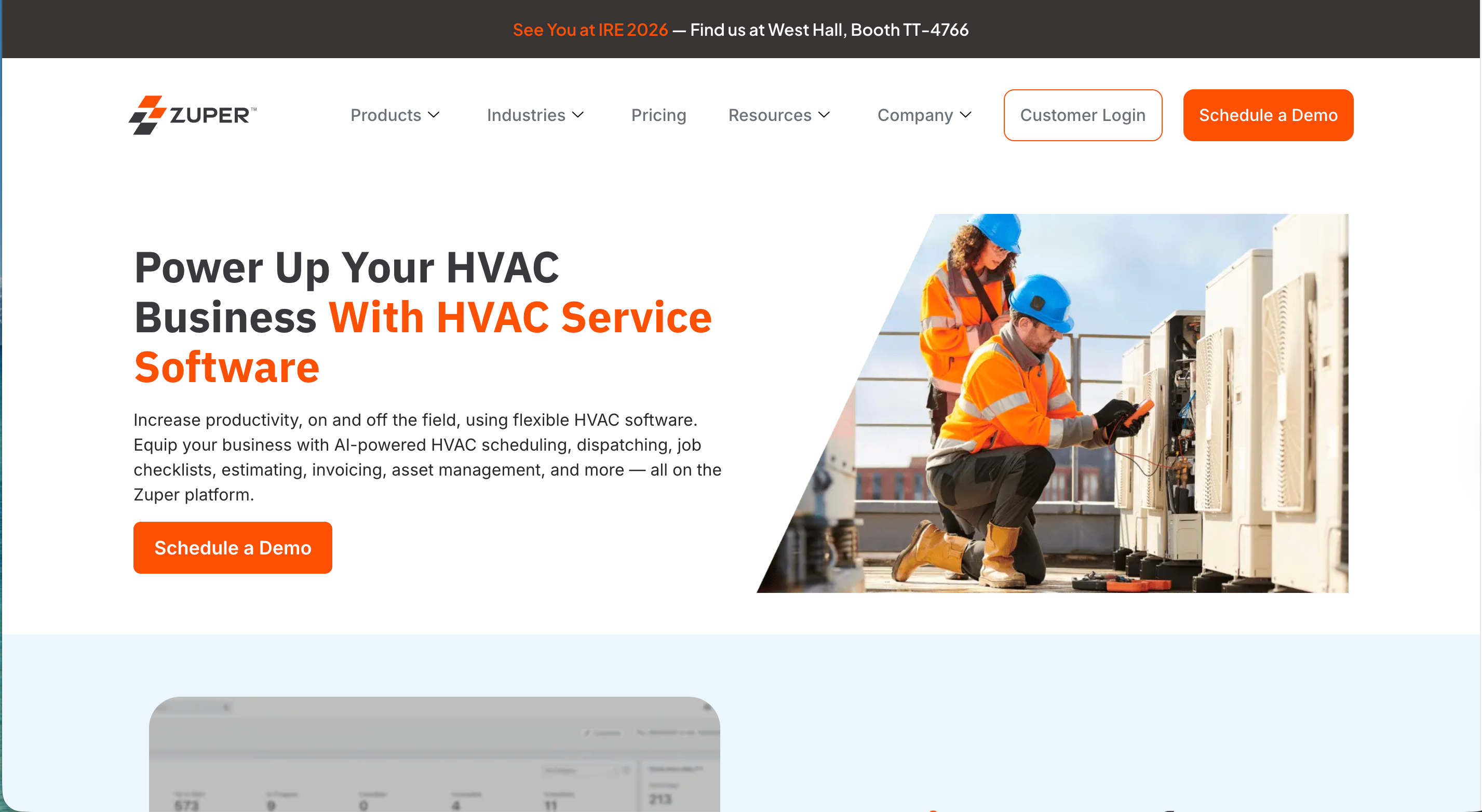
Zuper zuper.co
Zuper is a configurable, scalable FSM designed for route optimization, real-time dispatch, maintenance contract management, and no-code workflow configuration. Plans commonly range from about $65–$105 per user (billed annually), per the BDR HVAC Business Software Guide. It’s a solid option for wide territory coverage and dynamic job assignment where efficient routing and flexible workflows can save hours daily.
FieldPulse
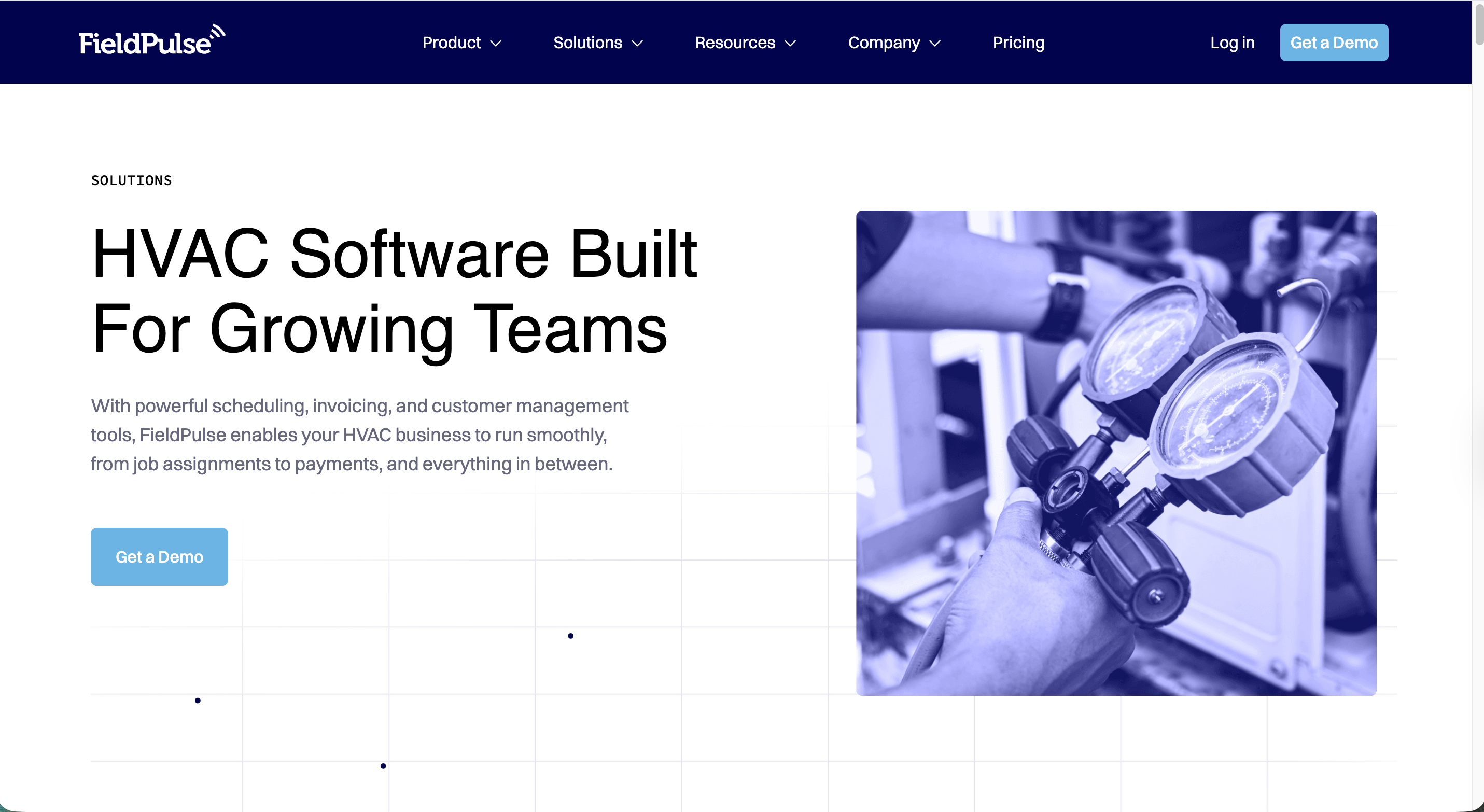
FieldPulse fieldpulse.com
FieldPulse offers a cost-effective, cloud-first FSM for smaller shops that want balanced scheduling, invoicing, and mobile usability with minimal IT overhead. Contractors value its approachable UI and quick deployment, with core features like team management, quotes/invoices, and calendar/dispatch. It’s a pragmatic choice for SMBs standardizing on a single system without overspending.
Notable features:
- Drag-and-drop calendar and job statuses
- Quotes, invoices, and payment capture
- Mobile apps with team visibility and time tracking
ServiceM8
ServiceM8 servicem8.com
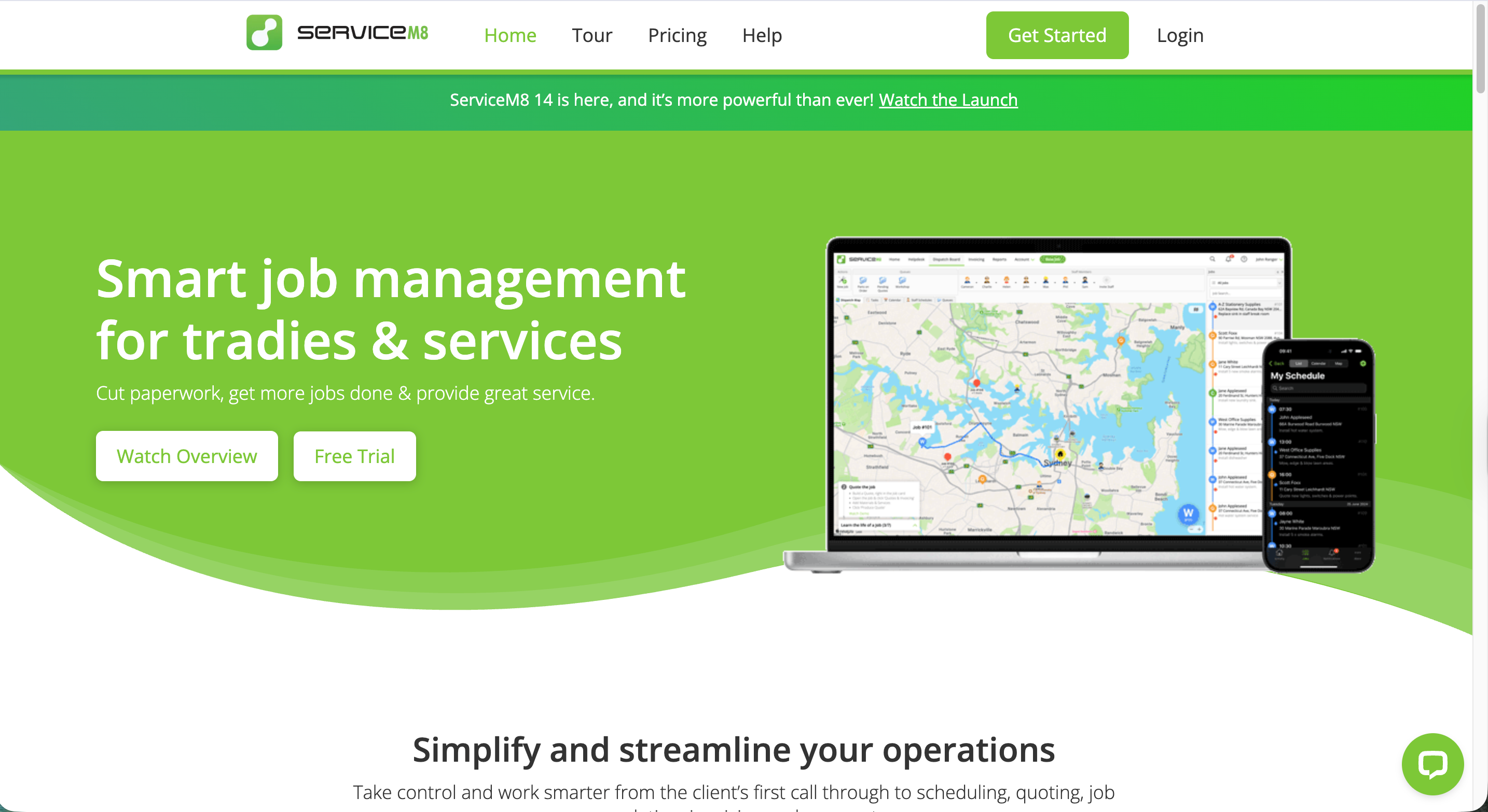
ServiceM8 is a lightweight scheduling and dispatch system popular with single-office HVAC and plumbing businesses. It stands out for drag-and-drop scheduling, easy job assignment, and cloud-based access that gets teams up and running fast. For sole proprietors or small teams with straightforward routes, ServiceM8’s affordability and quick setup are key differentiators.
Fieldy
Fieldy getfieldy.com
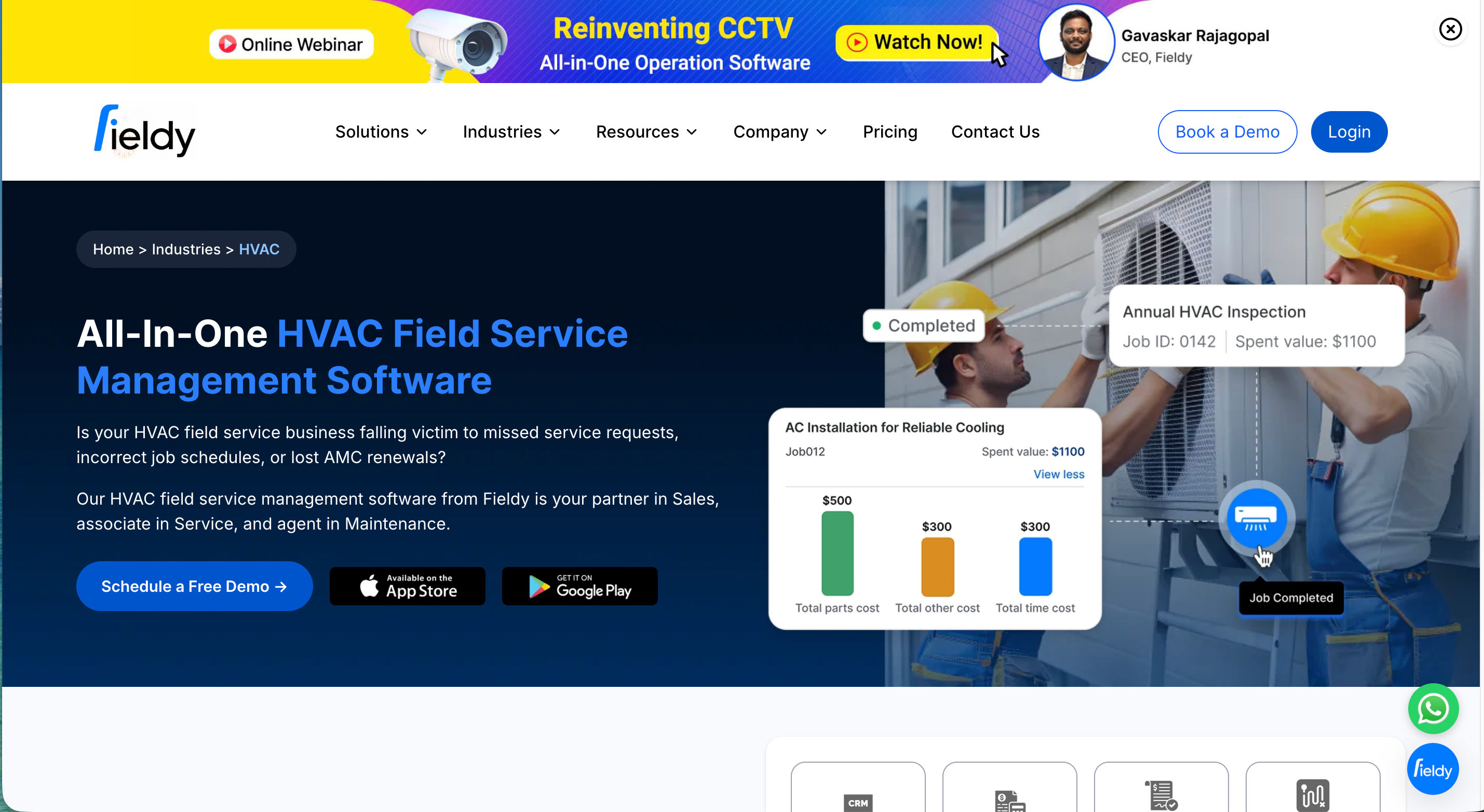
Fieldy is an all-in-one, mobile-centric FSM tailored to small HVAC contractors, with flat $25 per-user pricing and robust scheduling tools. Core features include AMC contract management, GPS dispatch, and an offline-ready mobile app - appealing for small teams that want fixed operating costs and reliable field access. See Fieldy’s pricing and feature highlights on its small-business HVAC software page.
Key Features to Consider in HVAC and Plumbing Scheduling Systems
The right feature set drives long-term ROI - reducing manual work, improving dispatch accuracy, and creating smoother customer experiences. Prioritize capabilities that map directly to your workflows: a clear dispatch board, route optimization app, maintenance agreement software, mobile CRM, and reliable accounting integrations.
Scheduling and Dispatching Capabilities
A dispatch board is a digital interface for drag-and-drop job allocation with technician status, location, and workload visibility. Look for real-time dispatching, automated notifications, and skill-based assignments that prevent mismatches and rework. Strong schedulers emphasize drag-and-drop boards, live updates, and multi-day job management, as highlighted in Workyard’s comparison of leading HVAC tools.
Route Optimization and GPS Tracking
Route optimization automatically sequences technician stops to minimize drive time and increase completed appointments. When paired with GPS tracking, dispatchers can adjust in real-time based on traffic, cancellations, or emergency calls - improving utilization and customer ETAs.
Typical flow:
- Dispatch assigns jobs with required skills/time windows
- System builds optimal routes (drive time, density, constraints)
- Tech navigates with GPS; office monitors real-time location/ETA
- Adjustments push instantly to the mobile app
- Completion triggers notes, photos, and customer updates
Mobile App Functionality and Offline Access
A great mobile app allows techs to view/accept jobs, update statuses, capture photos/notes, attach forms, and collect payments - online or offline. Offline-capable, mobile-first tools are crucial in areas with weak coverage; this is a selling point for platforms like Fieldy, which emphasize offline-ready field apps on their product pages.
Checklist for trials:
- Works offline (create/edit jobs, capture notes/photos)
- Fast status updates and push notifications
- Integrated forms/checklists and signature capture
- Payment acceptance in the field
- Low learning curve for new hires
Contract and Maintenance Agreement Management
AMC management means tracking and scheduling recurring maintenance services under contract. Systems that flag renewals, automate seasonal visits, and roll up contract performance protect recurring revenue and SLA compliance. BuildOps, Fieldy, and Zuper all emphasize contract-heavy operations with tools for scheduling and reporting.
Equipment History and Inventory Tracking
Equipment history consolidates past services, repairs, and part replacements for every asset - supporting accurate quoting, warranty claims, and compliance audits. Inventory tracking prevents stockouts, improves first-time fix rates, and controls parts costs by aligning truck stock with scheduled work.
Accounting and Payment Integrations
QuickBooks integration synchronizes customers, invoices, and payments so office teams avoid double entry and month-end cleanup. Platforms like FieldEdge highlight native accounting links that streamline billing; others may require third-party add-ons or manual exports, which is important to vet during trials.
Choosing the Right System for Your Business Size and Needs
Optimal fit depends on your operational scale, service mix, and budget. Match platform scope to the complexity of your dispatch and back office processes - then verify through a live trial with real jobs and data.
High-level comparison:
| Segment | Typical Monthly Cost | Strengths | Examples |
|---|---|---|---|
| Enterprise | ~$250–$500 per tech (annual contracts common) | Advanced reporting, compliance, multi-entity, deep integrations | ServiceTitan, BuildOps |
| Mid-market | ~$65–$200 per user | Robust scheduling + job costing; configurable workflows | Simpro, Zuper, FieldEdge |
| SMB | ~$25–$169 per user | Fast setup, mobile-first, affordable tiers | Fieldy ($25/user), Housecall Pro ($49–$169), Jobber ($69–$349) |
Assess workforce size, share of recurring contracts, integration needs (accounting/ERP/CRM), territory size, and growth plans over 24–36 months.
Enterprise versus Small and Medium Business Solutions
Enterprise-grade systems prioritize customizability, analytics, API depth, and managed onboarding - often with higher implementation costs and longer timelines. SMB platforms focus on simplicity, mobile usability, and price-to-value. ServiceTitan and BuildOps typically fit enterprises, while Jobber, Housecall Pro, and Fieldy target SMBs; larger operations can justify complexity if it unlocks reporting and compliance at scale, whereas smaller teams should prioritize speed and cost control.
HVAC and Plumbing Specific Functionality
Trade-specific features matter. HVAC teams may want equipment databases, multi-visit installs, and preventive maintenance tooling; plumbing operations often benefit from assemblies/kits and camera/inspection workflows. FieldEdge’s equipment history, BuildOps’ commercial asset management, and Simpro’s job costing and maintenance schedules are examples of specialized value that reduce add-ons and manual work.
Pricing Models and Contract Considerations
Expect per-user/month pricing, tiered plans, and annual contracts at the higher end - sometimes with fees for advanced modules or integrations. Benchmarks include ServiceTitan at $250–$500 per tech/month, Jobber at $69–$349/month, and Fieldy at $25/user/month. Trial two to three platforms and calculate true costs at your expected scale, including support, onboarding, add-ons, and future upgrades.
Implementation Best Practices for Scheduling Systems
A structured rollout minimizes disruption and accelerates ROI. Work through requirements, pilot with real data, plan integrations, train your team, and stage go-live to reduce risk.
Phases:
- Requirements: map workflows, data fields, roles, and reporting
- Trial/pilot: run real schedules and routes; validate dispatch rules
- Integration: plan API data flows and migrations; test edge cases
- Training: office and field sessions; quick-reference guides
- Go-live: phased rollout with tight feedback loops
Trial and Evaluation Tips
Run two to three real schedules with live jobs, test mobile offline capabilities, and verify accounting syncs. Involve dispatchers, managers, and technicians so usability issues surface early; realistic trials reveal hidden limitations and costs before you commit.
Integration and Onboarding Strategies
Favor platforms with open APIs and clear data models. Migrate core records first (customers, assets, contracts), then expand to invoicing and compliance modules. Stage training by role, confirm vendor support SLAs, and keep feedback channels open for the first 30–60 days.